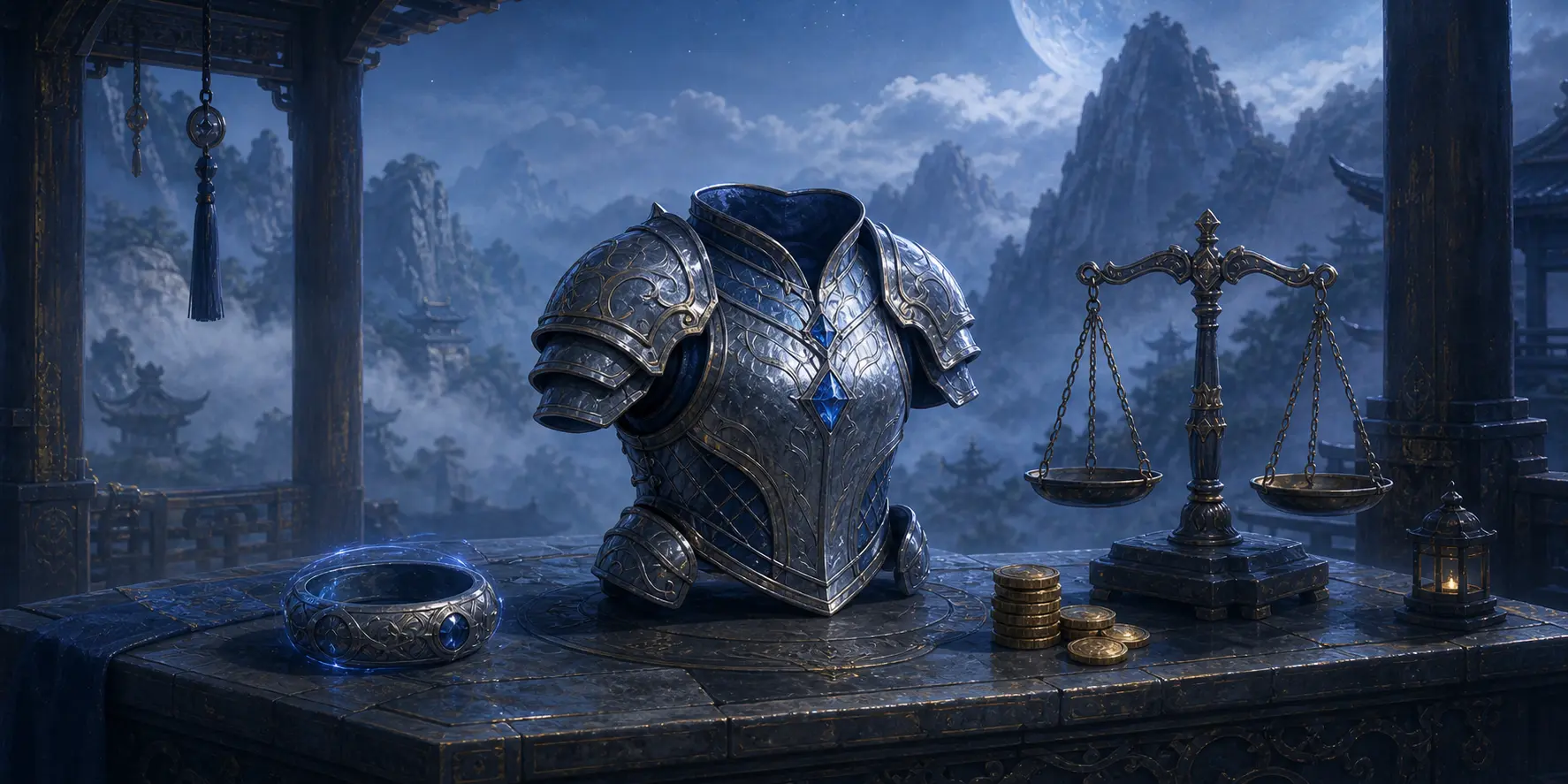
Gold and Arena Coins
Gold
The primary currency for shops, techniques, player listings, and other progression costs.
Arena Coins
A PvP currency earned from daily and seasonal PvP rewards and spent in the Arena Shop.
Daily income
The /daily reward scales with Fight class and current PvP tier.
Selling
Items may be sold to the system or through player-facing market, trade, and auction systems.
Inventory weight and rings
Items consume weight. Every player begins with 80wt of base storage, while equipped Storage Rings provide additional working capacity.
- Storage Rings remain in the base inventory and may be equipped with /ring equip.
- Normal item actions use the currently equipped ring where applicable.
- Use /ring transfer to move items directly between owned rings without equipping each one first.
- Use inventory filters and search before buying or crafting to avoid storage problems.
/inventory viewBrowse base or ring inventory with category filters.
/inventory searchFind an item across inventory locations.
/inventory chests viewReview owned chests.
/inventory chests openOpen eligible chests.
/ring equipEquip a Storage Ring.
/ring transferMove items between rings.
Wear, improve, and master equipment
- Weapons, armor, and accessories add combat statistics and may contribute to set bonuses.
- Preview requirements before equipping, then browse occupied gear slots through the gear interface.
- Eligible equipped items may be upgraded and advanced through star levels.
- Grade Mastery is a separate progression path that improves the value of gear grades.
- Ruler equipment can access Resonance Crafting where its normal requirements are met.
/gear infoPreview gear statistics and requirements.
/gear wearEquip a weapon, armor piece, or accessory.
/gear viewBrowse equipped gear by slot.
/gear setReview a set and its bonuses.
/gear upgradeUpgrade an eligible equipped item.
/gear starsAdvance star levels on eligible gear.
/gear masteryView and upgrade Grade Mastery.
/resonance craftUse Resonance Crafting for qualifying Ruler gear.
Market, trade, and auction
Market
Create fixed-price listings, browse by item type, and build market tier through activity. Taxes and listing limits depend on the system's current rules.
Trade
Open a direct trade, add or remove items, and require both sides to confirm before completion.
Auction
List eligible inventory items for timed bidding through the auction system.
System shop
Use /shop and /buy for system stock, and /sell for eligible inventory items.
/market addCreate a player-market listing.
/market itemsReview your active listings.
/market searchBrowse and buy player listings.
/trade requestBegin a direct trade with another player.
/auction addCreate an auction for an eligible item.